Can you charge a MacBook Pro 15-inch (Intel, 2019) with a 65 W charger?
Yes, but slowly. Any USB‑C charger with Power Delivery can charge it. A 65 W charger is smaller than every adapter Apple ships with this Mac (87 W). The battery fills slowly, and under heavy load it may barely charge.
Updated 5 November 2026 · Source: Apple, MacBook Pro (15-inch, 2019) Tech Specs
Chargers for this Mac
Compared with the adapters Apple puts in the box. The Mac never takes more power than it needs, so a bigger charger is always safe.
Check what your charger gives, without an app
- Hold Option, open the Apple menu and choose System Information.
- Select Power and find Wattage (W) under AC Charger Information. It’s the adapter’s rating.
Or in Terminal:
pmset -g ac
Both show what the charger can give, not how much is going into the Mac right now. More about charger wattage
Or watch it live
BatteryGuard shows the power going in and where it goes, and warns you when the charger can’t keep up.
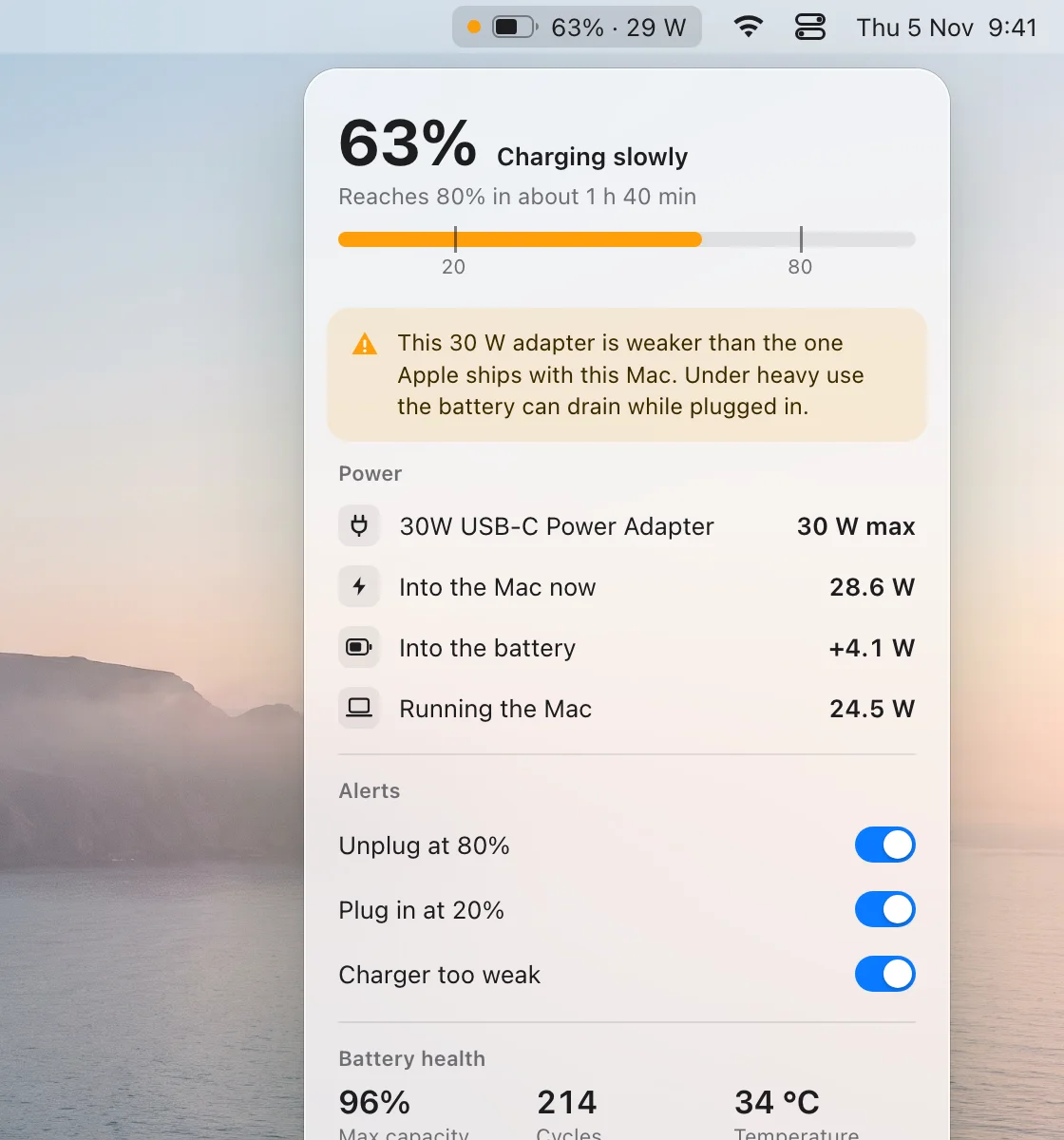
Example from the app with a 30 W adapter that’s too weak for the Mac.
Questions
Can you charge a MacBook Pro 15-inch (Intel, 2019) with a 65 W charger?
Yes, but slowly. Any USB‑C charger with Power Delivery can charge it. A 65 W charger is smaller than every adapter Apple ships with this Mac (87 W). The battery fills slowly, and under heavy load it may barely charge.
Is a bigger charger safe?
Yes. A USB‑C charger with Power Delivery agrees with the Mac on how much power to send, and the Mac takes only what it needs.
How can I see how many watts are going in?
System Information › Power shows the adapter’s rating. BatteryGuard shows the power actually going into the Mac, live in the menu bar.